 Claude Duet
Ideas
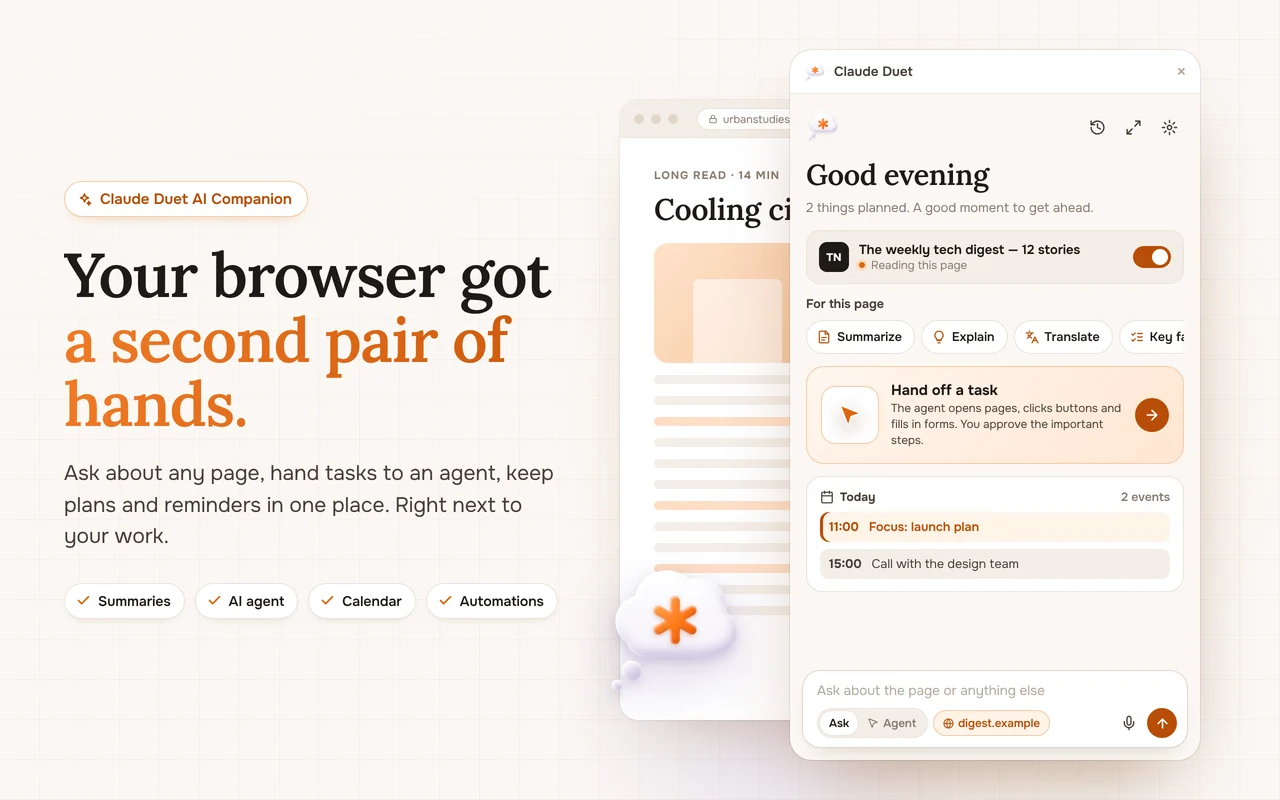
12 ways to use an AI side panel every day
The side panel is the most underrated place for AI: always one shortcut away, always next to what you are doing. Here are twelve ideas to start with.
Reading
- Summarize a long article before deciding to read it.
- Ask what a technical term on the page means.
- List every date and deadline on a page.
Writing
- Draft a reply to the email you are looking at.
- Shorten a paragraph to two sentences.
- Rewrite a message in a friendlier tone.
Deciding
- Compare plans on a pricing page.
- Research a question across several sources.
- Collect product prices into a table.
Planning
- Turn a to-do list into a schedule with free slots.
- Set a reminder in plain words.
- Create a morning brief that runs every day.
Make it a habit
Pin the extension, learn the Alt + A shortcut, and try one new idea a day. Within a week the side panel becomes the first place you look.