 Claude Duet
How it works
Up and running in one minute.
Install, pin, press Alt+A. Here is everything you need to get started, step by step.
1
Install from the Chrome Web Store
Open the store listing and press Add to Chrome. A welcome page opens with a short tour.
2
Pin the cloud icon
Click the puzzle icon in the toolbar and pin Claude Duet so it is always one click away.
3
Open the side panel
Click the icon or press Alt+A. The panel opens next to the page you are on.
4
Pick your language
The interface follows your device language. Change it any time in Settings.
5
Ask, summarize or hand off
Use quick actions for the current page, type a question, or switch to Agent and describe a task.
6
Make it yours
Add preferences to Memory, set reminders and create an automation for a routine you repeat.
Three ways to open it
Always one move away
- The toolbar icon
- The keyboard shortcut Alt + A
- The right-click menu and the launcher on the page edge
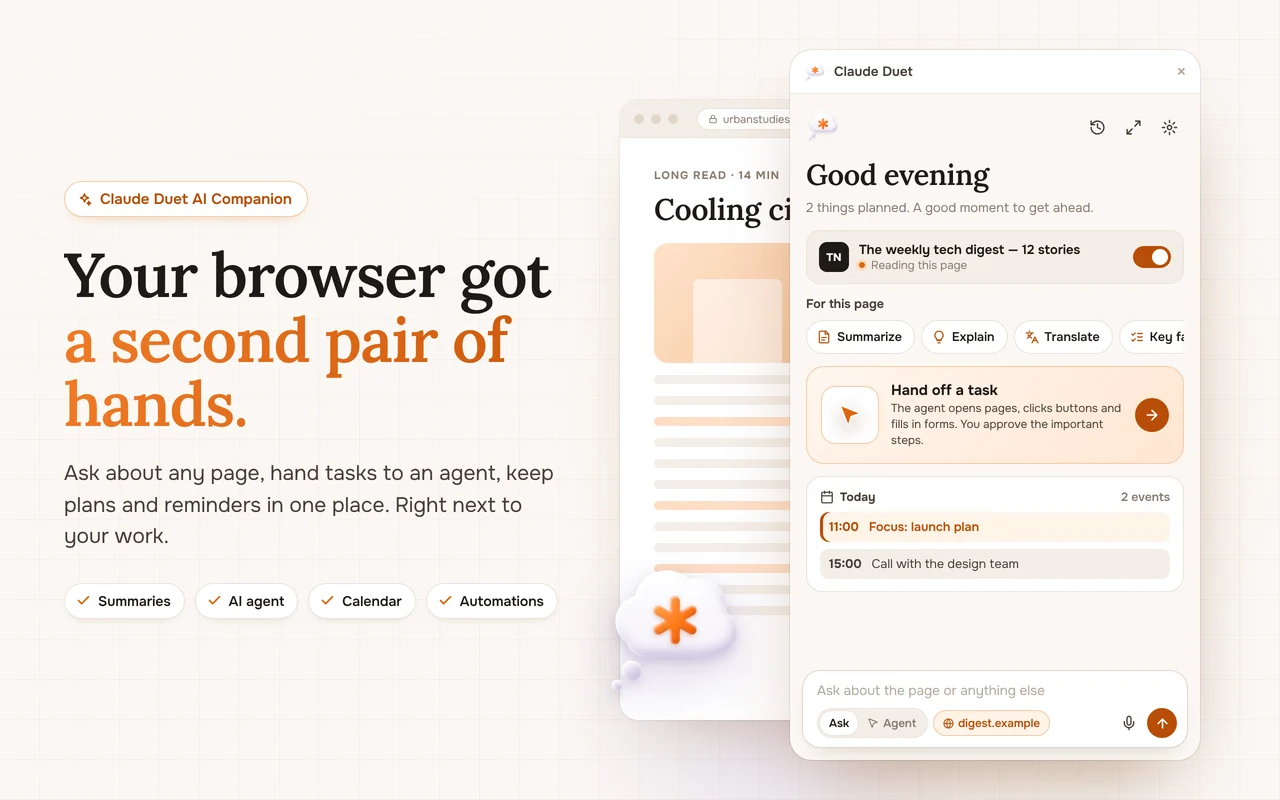

Your browser, with a second pair of hands.
Free to start. Works on any site. Opens with Alt+A.